
OpenPost
Open-source social media manager for writing, designing, scheduling, and tracking posts — an alternative to Buffer, Canva, and CapCut.



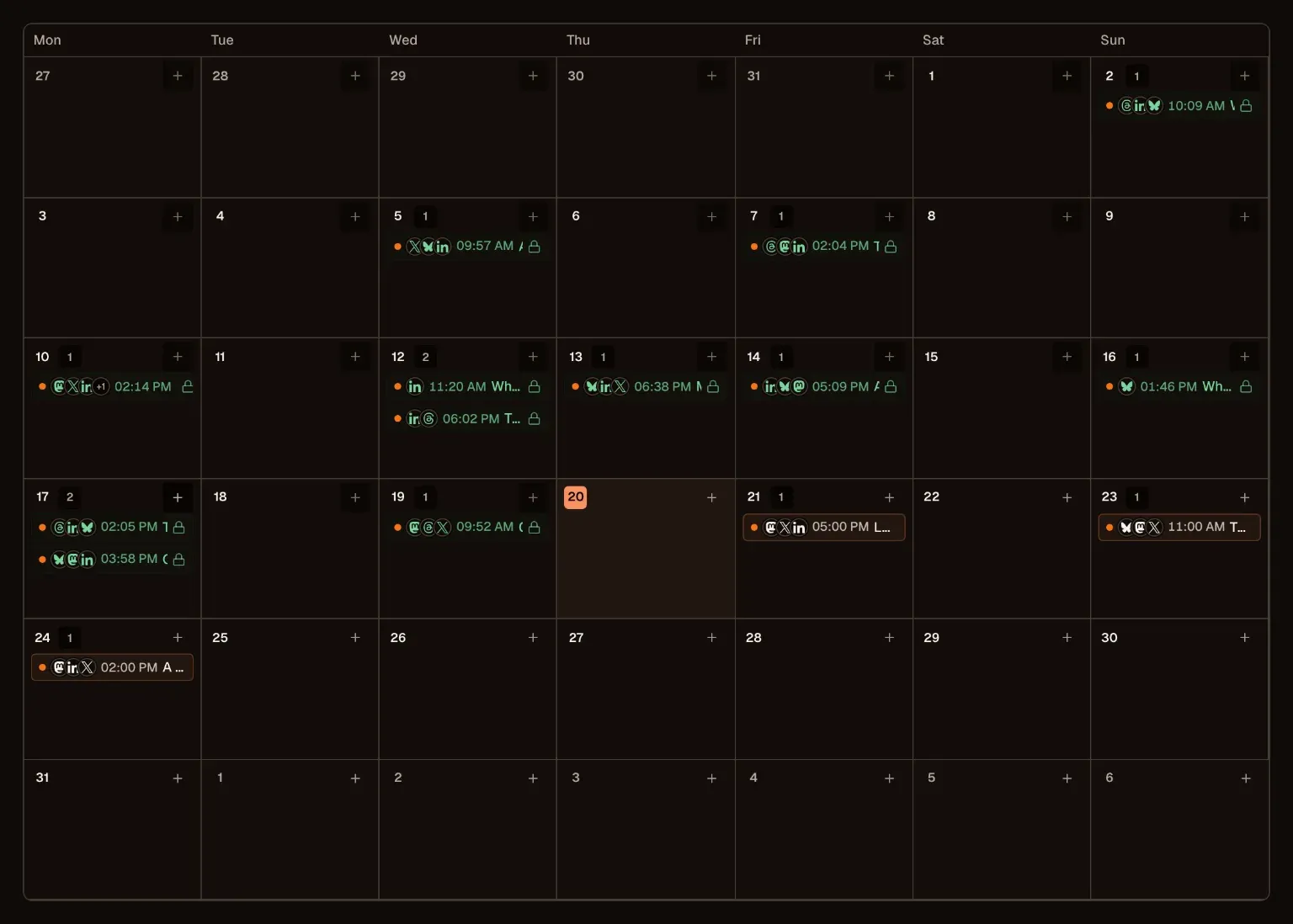
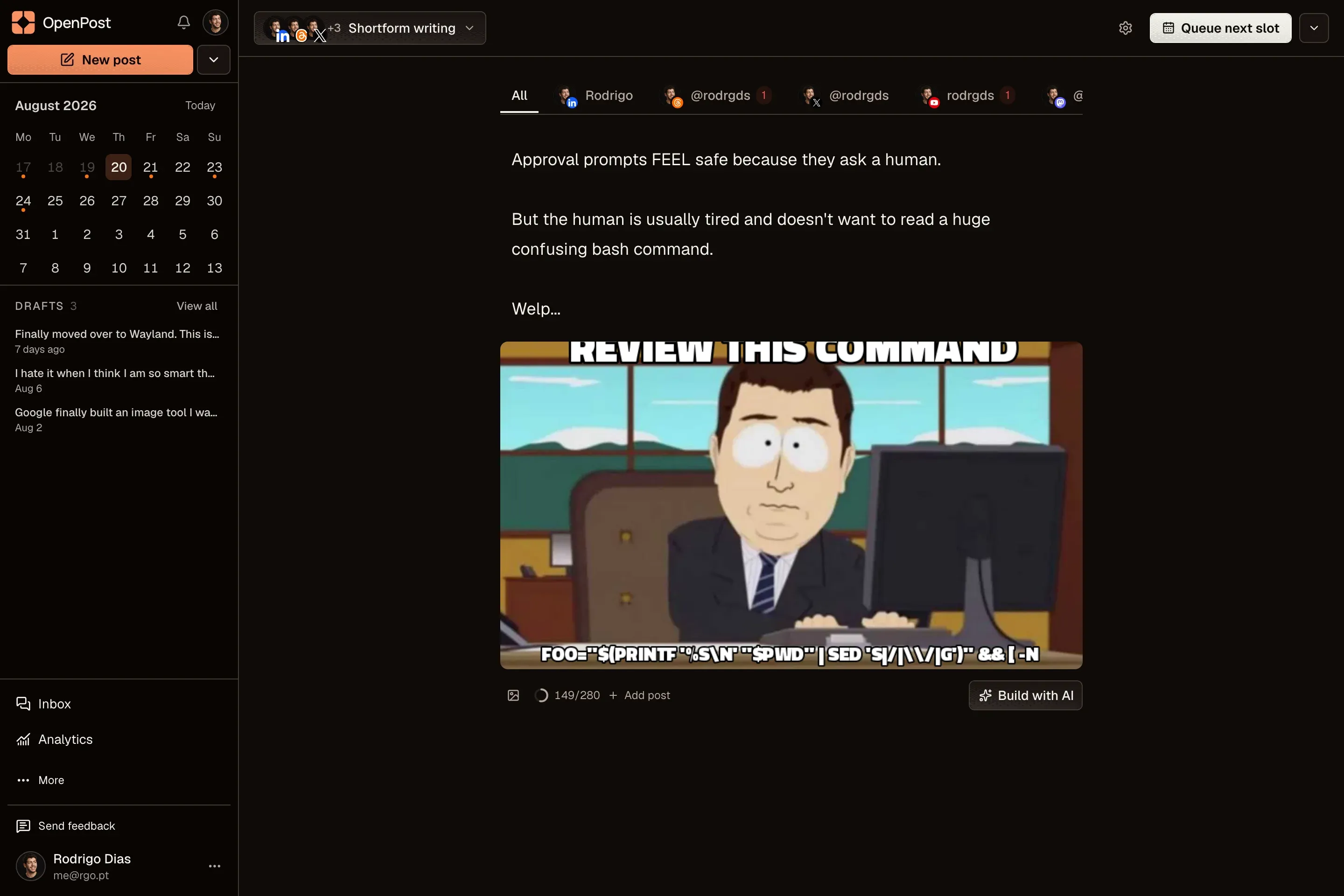
OpenPost is an open-source social media management app that combines post creation, design, video editing, and scheduling in a single workspace. Connect accounts on Instagram, Facebook, LinkedIn, X, TikTok, YouTube, Threads, Bluesky, Mastodon, Pixelfed, PeerTube, Lemmy, PieFed, Discord, Pinterest, and Telegram, then compose posts and threads with per-platform text and media previews before publishing.
Scheduling works through a calendar and queues: pick a publishing time or drop posts into the next free slot, stagger them across accounts, and get reminders when a queue runs low. A built-in inbox reads and replies to supported comments and direct messages, while analytics compare post results and track audience changes. Workflows turn GitHub releases, RSS feeds, and scheduled prompts into drafts on a visual canvas, and an API, TypeScript SDK, CLI, MCP server, and n8n integration cover scripted publishing.
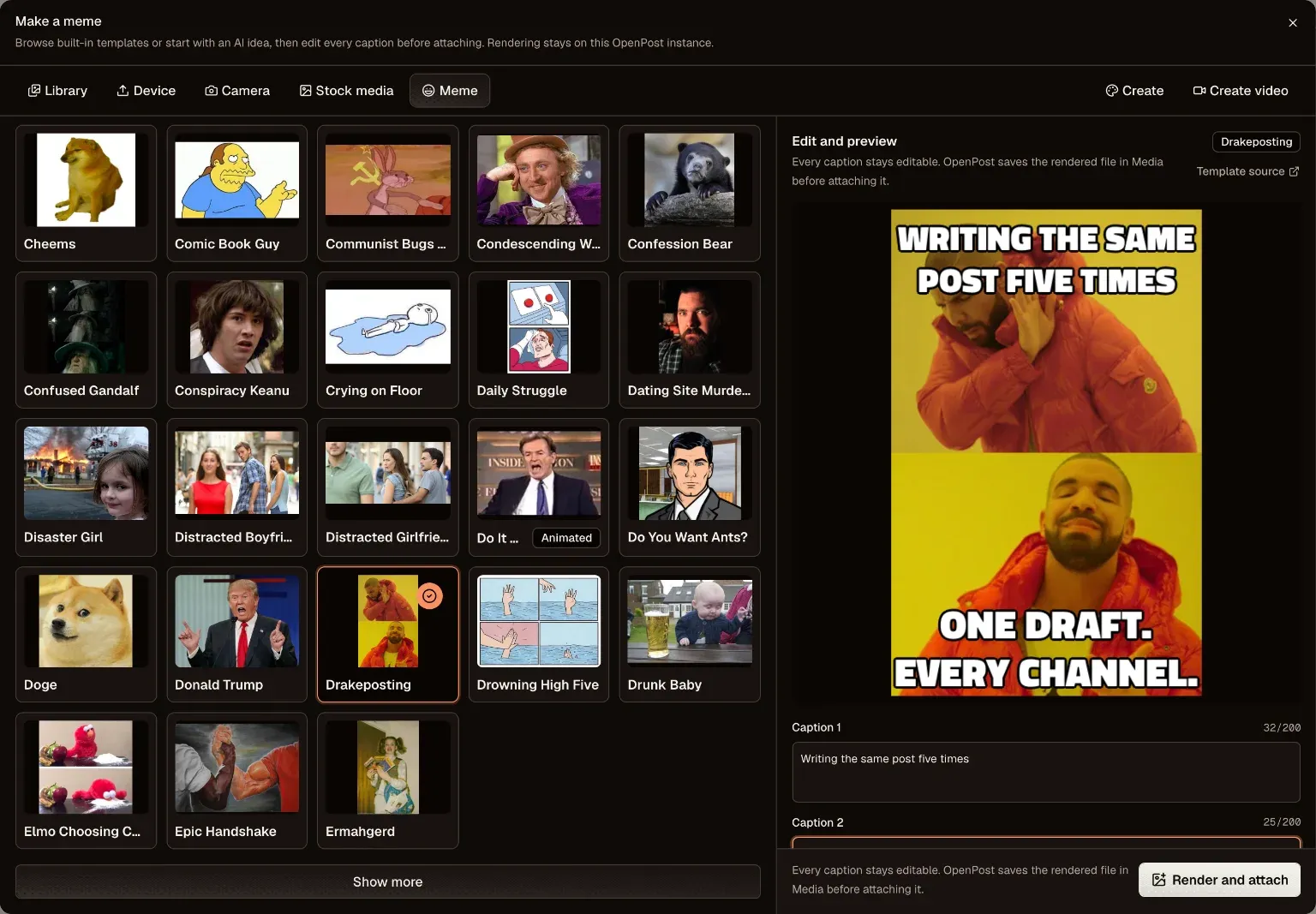
Compared to Buffer, it covers the same scheduling and publishing loop without per-post limits or per-seat fees. Compared to Canva, the layered image editor handles thumbnails and multi-page carousels with templates and custom fonts; compared to CapCut, the multitrack video editor trims clips, adds captions and transitions, and cuts footage by selecting words in its transcript. The screen-and-camera recorder feeds the same timeline. Self-host it with Docker Compose (default setup is a single container with SQLite and local media storage) or use OpenPost Hosted.
Build with:



Frequently Asked Questions
Which social networks does OpenPost support?
OpenPost ships integrations for Instagram, Facebook, LinkedIn, X, TikTok, YouTube, Threads, Bluesky, Mastodon, Pixelfed, PeerTube, Lemmy, PieFed, Discord, Pinterest, and Telegram. Mastodon and Pixelfed connect per instance over OAuth, PeerTube, Lemmy, and PieFed connect with instance credentials, and Discord supports incoming webhooks and a bot integration.
How do I schedule posts in OpenPost?
Choose a publishing time in the calendar or drop the post into the next free slot in a queue. You can stagger publishing across accounts, get reminders when your queue runs low, and set delays and engagement rules for native auto reposts on supported networks.
What automation options does OpenPost offer?
There is a REST API, a TypeScript SDK, a CLI, and an MCP server, plus an n8n integration for creating drafts, scheduling posts, and checking publishing results from scripts or agents. Workflows on a visual canvas can turn GitHub releases, RSS feeds, and scheduled prompts into drafts with AI steps and conditions.
Can I self-host OpenPost, and is AI usage optional?
Yes. Run it with Docker Compose; the default setup is a single container with SQLite and local media storage. AI writing is optional, and self-hosted instances can use a provider you configure, with every AI suggestion reviewed before publishing.
Does OpenPost work on mobile?
There are native mobile apps built with Expo alongside the web app at app.openpo.st. The image and video editors are also free to try in the browser without an account or watermark.
OpenAltFinder Score
Project Details
Repository details
Updated 10/11/2026, 12:00:13 PM
View RepositoryRepository activity
Compare OpenPost with
Similar open source alternatives

OpenCut
OpenCut is a free, open-source video editor for the web. It's a privacy-friendly CapCut alternative with a full timeline, effects, transitions, and easy exports you can run anywhere.
 Canva
Canva
open-pencil
AI-native design editor with real-time collaboration, component system, and Figma-compatible file format.
 Figma
Figma
TryPost
Open-source social media scheduling platform — a self-hosted alternative to Buffer, Hootsuite, and Later for agencies and creators.
 Buffer
SnapOtter
Self-hosted image manipulation platform with 45+ tools, local AI, and pipelines. A privacy-first open source alternative to Canva, TinyPNG, and remove.bg.
Canva
Olive
Free open-source non-linear video editor with hardware-accelerated compositing and cross-platform support.
 Adobe Premiere Pro
Kdenlive
Free and open source multi-track video editor built on MLT Framework and KDE technologies.
Adobe Premiere Pro