
Super Productivity
Open-source to-do list and time tracker with timeboxing, a daily planner, Pomodoro focus sessions, and integrations for Jira, GitHub, and GitLab.

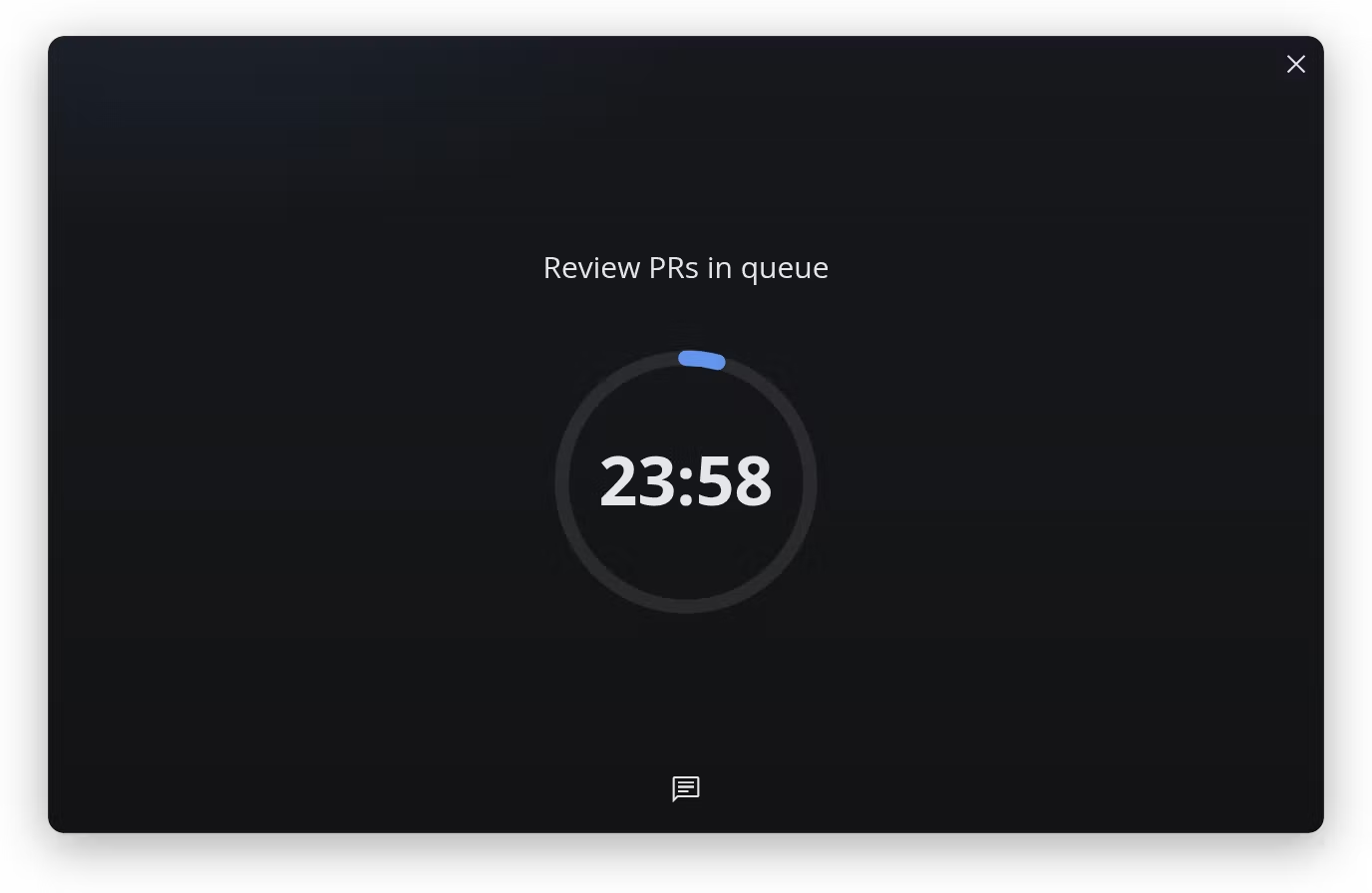
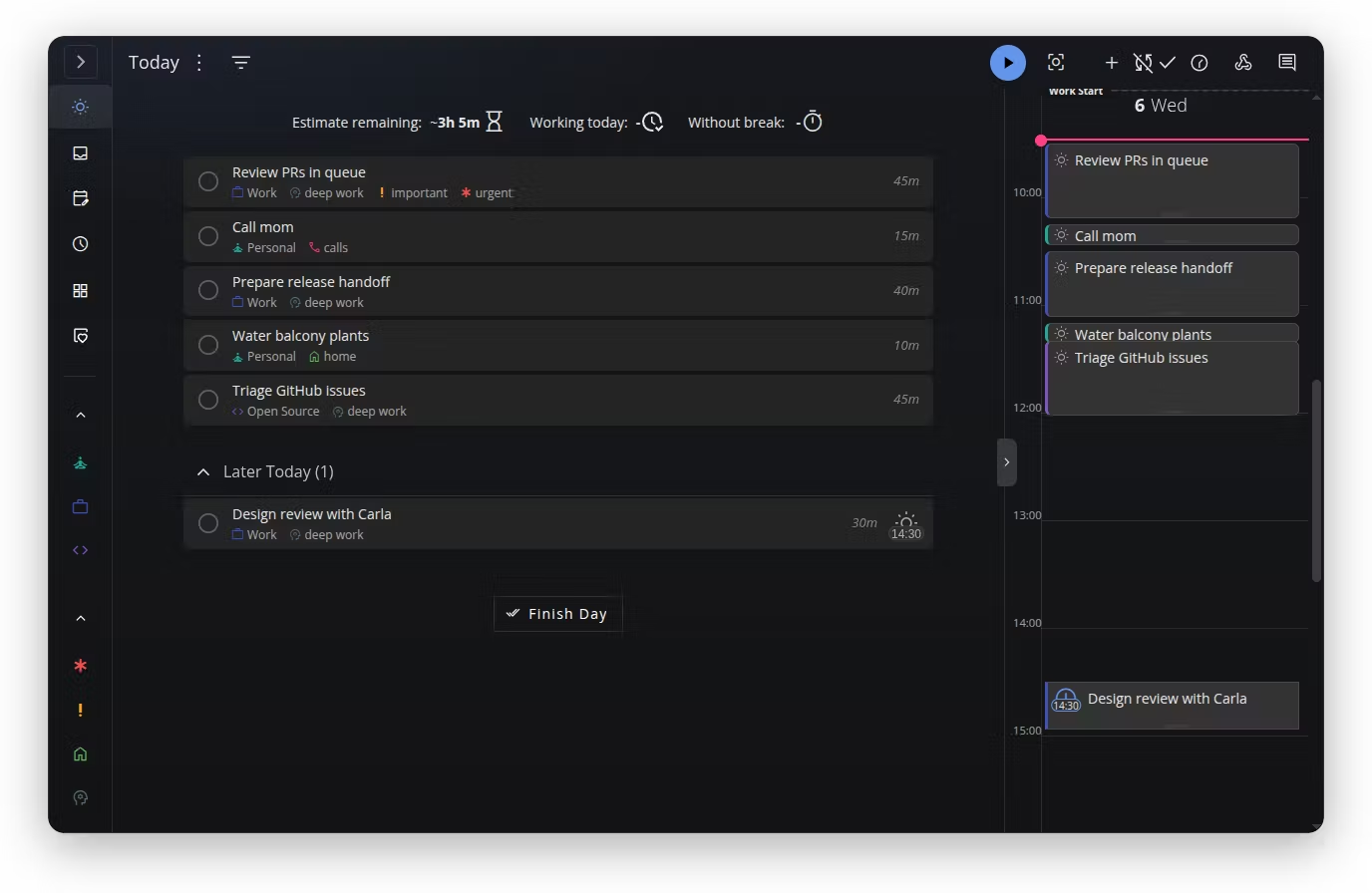
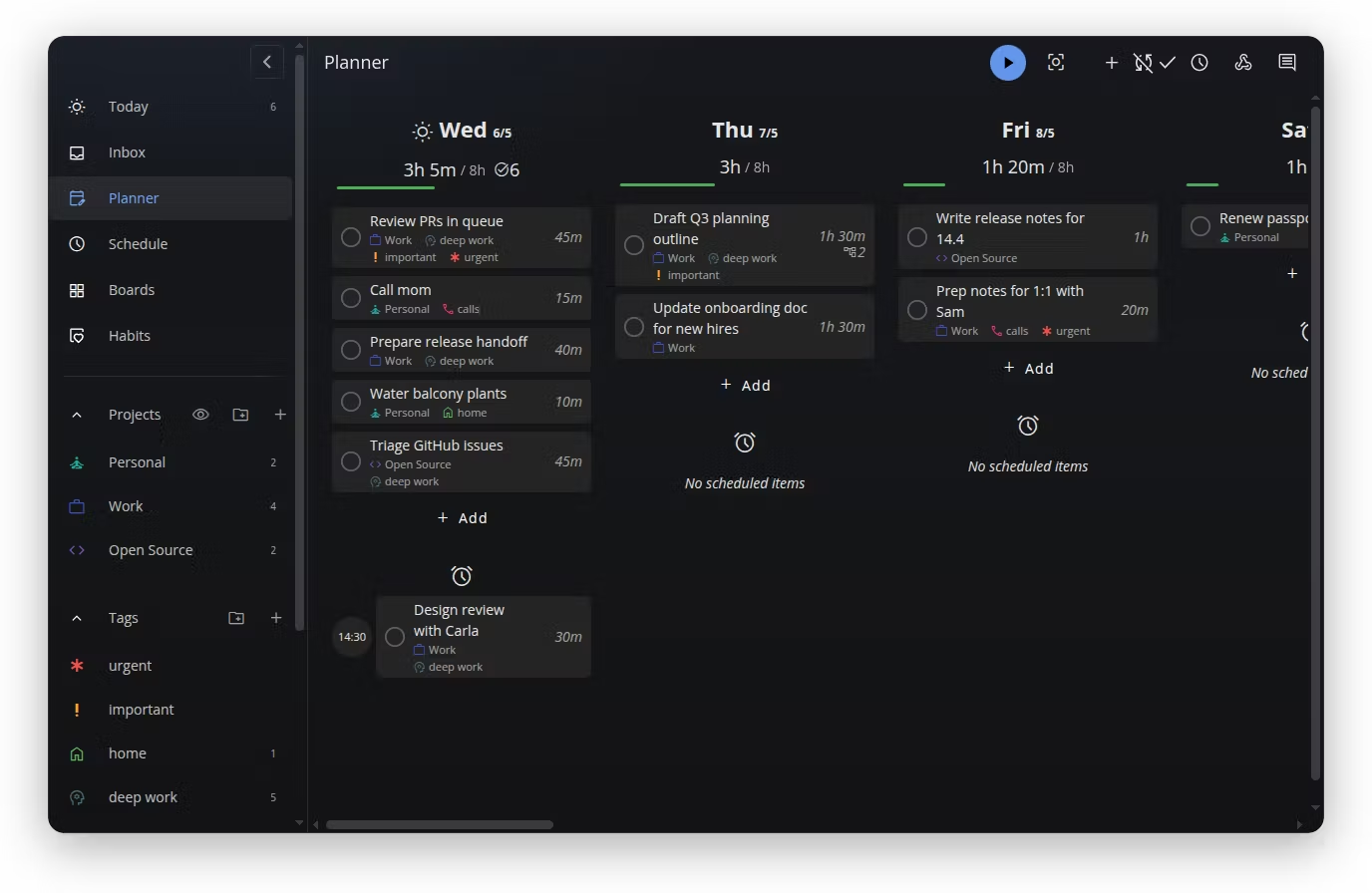
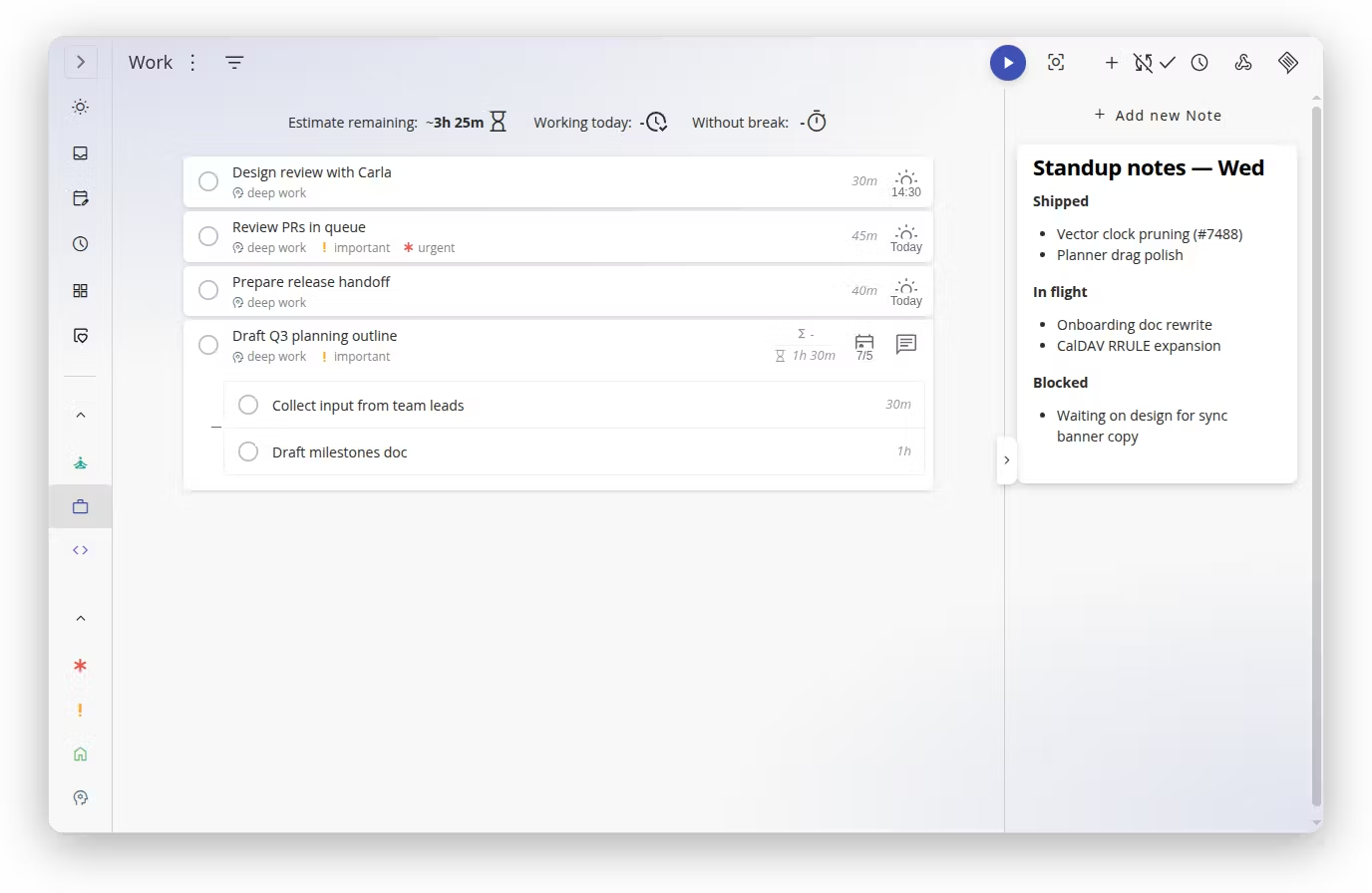
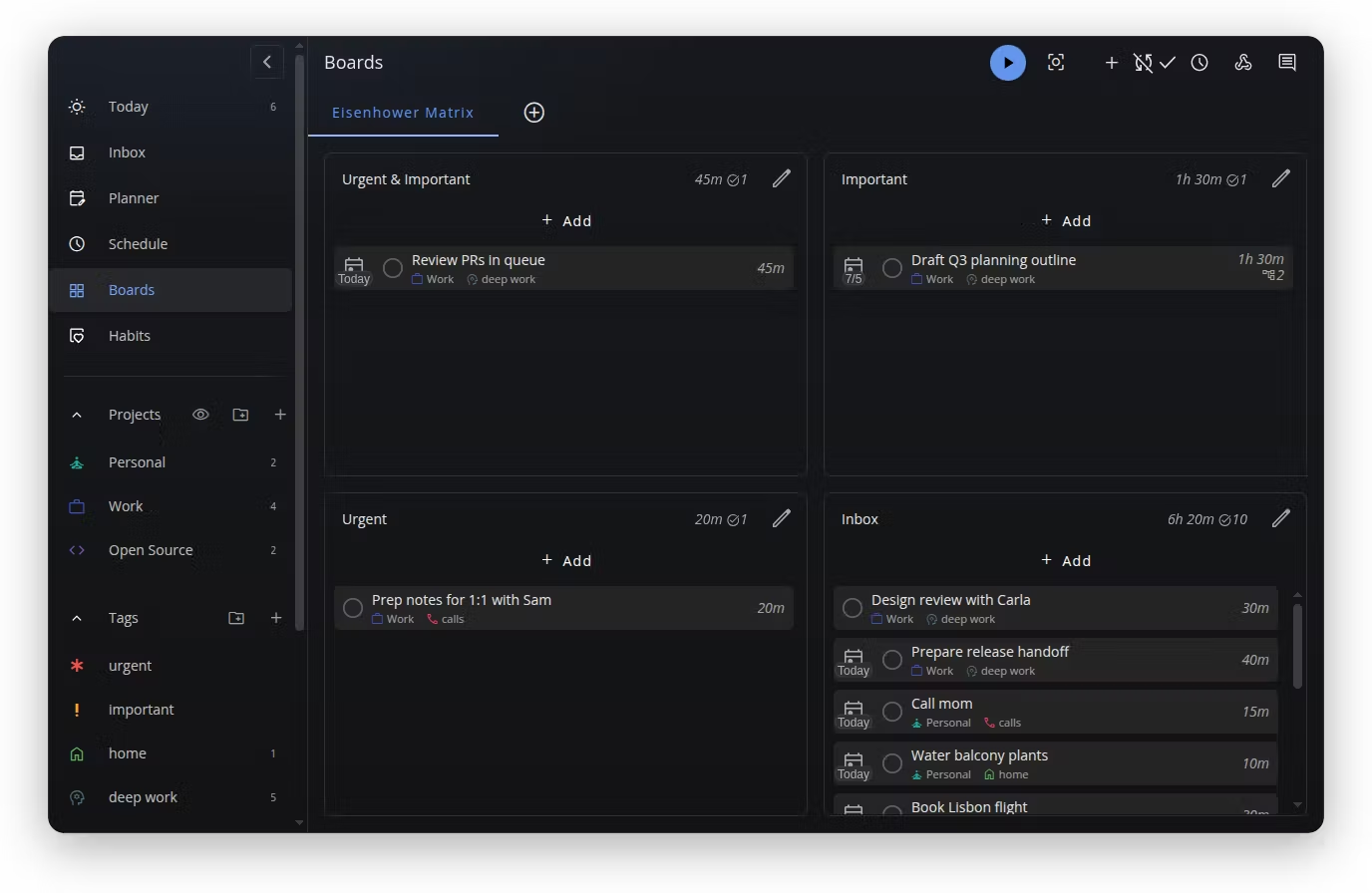
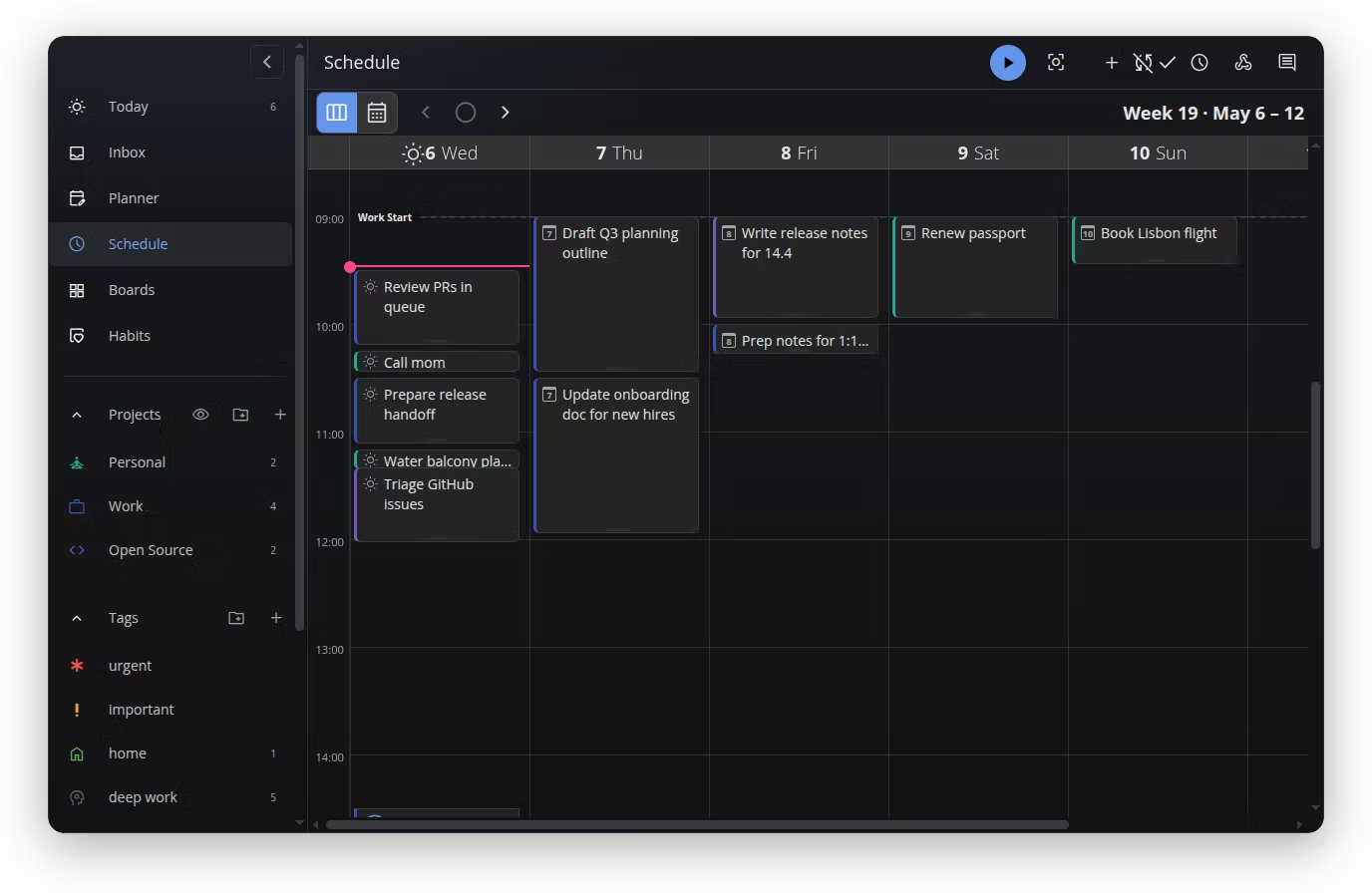
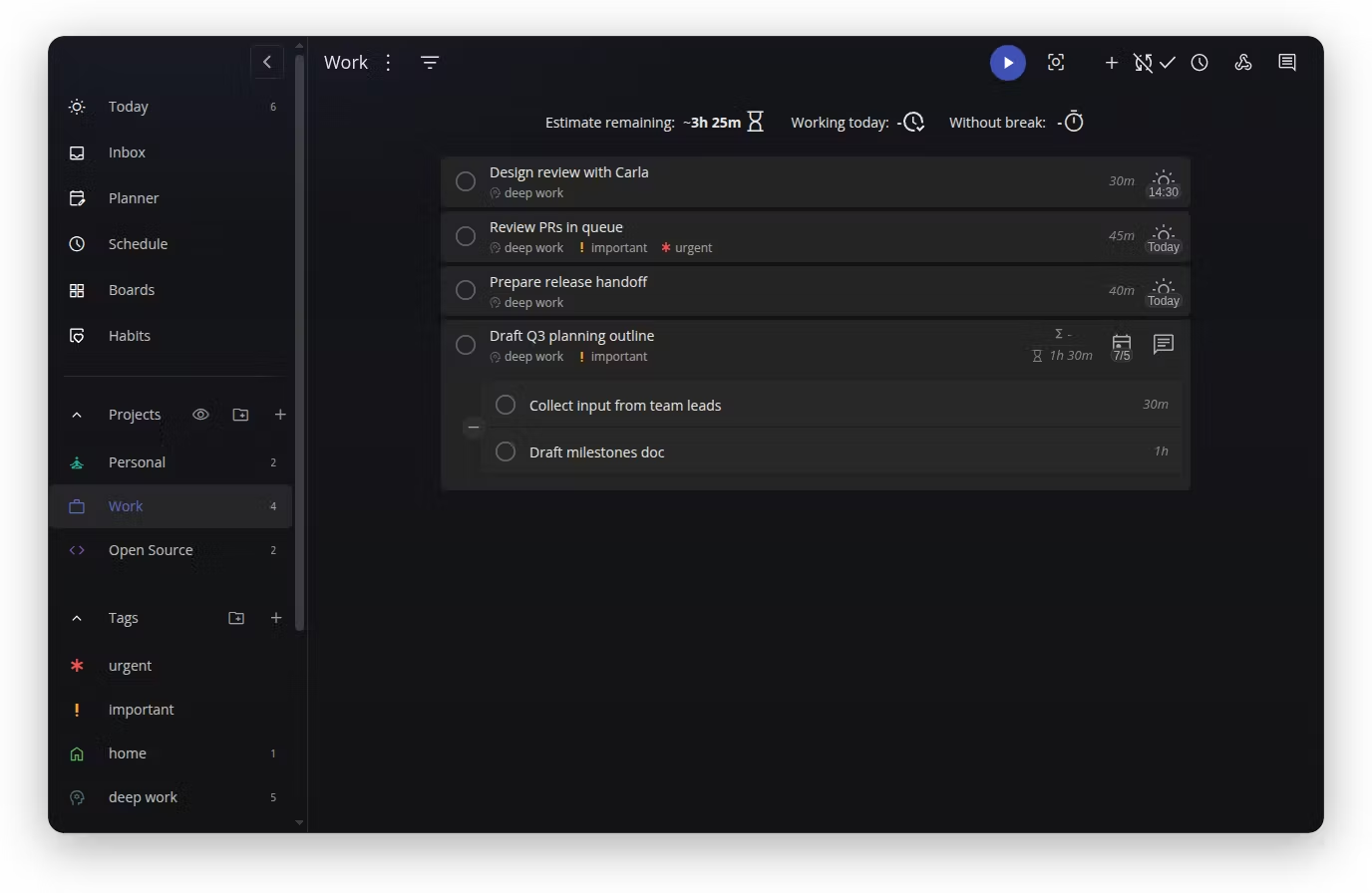
Super Productivity is a free and open-source to-do list app with built-in timeboxing and time tracking, maintained by Johannes Millan and a community of contributors. It is local-first and privacy-respecting: no account or registration is required, no usage data is collected, and you decide where your data lives. The app runs on Linux, macOS, Windows, Android, iOS, and in the browser, with the web version also self-hostable via Docker.
Tasks can be organized with sub-tasks, projects, tags, and color coding, and planned ahead with the daily planner, which lays out your day on a schedule timeline next to your calendar events. You can sort work visually on boards such as the built-in Kanban and Eisenhower Matrix views or build your own, track time as you work, and export timesheets and work summaries to your company time tracking system. Focus mode offers Pomodoro, Flowtime, and countdown sessions, complemented by break reminders, an anti-procrastination feature, and personal metrics that show which work routines need adjustment.
Super Productivity integrates with Jira, Trello, GitHub, GitLab, Gitea, OpenProject, Linear, ClickUp, Redmine, Nextcloud Deck, and Azure DevOps, auto-importing tasks assigned to you, creating work logs, and notifying you when things change, plus a basic CalDAV integration. Data is synced across devices with SuperSync (an end-to-end encrypted sync server you can also host yourself), Dropbox, or WebDAV. Compared to subscription tools like Todoist, TickTick, or Things 3, it adds full time tracking and timeboxing without an account or fee; compared to time trackers like Toggl, it is a complete task manager; and compared to timeboxing planners like Sunsama or Motion, it is free, open source, and stores your data locally.
Tags:
Build with:
Frequently Asked Questions
Which platforms does Super Productivity support?
There are desktop apps for Linux, macOS, and Windows (available via Flathub, the Snap Store, the Microsoft Store, and GitHub releases), mobile apps for Android (Play Store, F-Droid, Obtainium) and iOS (App Store), and a web app that runs in the browser. The web version has some limitations compared to the desktop apps, which are documented in the project wiki.
Which issue trackers and calendars does Super Productivity integrate with?
It integrates with Jira, Trello, GitHub, GitLab, Gitea, OpenProject, Linear, ClickUp, Redmine, Nextcloud Deck, and Azure DevOps. Tasks assigned to you can be auto-imported, work logs can be created automatically, and you get notified when something changes. There is also a basic CalDAV integration for calendar events.
How does syncing between devices work?
Super Productivity offers three sync options: SuperSync, an end-to-end encrypted sync service whose server is open source and can be self-hosted, as well as Dropbox and WebDAV. Because the app is local-first, an account is never required and no data is collected by the project.
What focus techniques does Super Productivity include?
Focus mode supports Pomodoro, Flowtime, and countdown sessions. A break reminder tells you when to step away, an anti-procrastination feature helps you regain perspective, and the app collects personal metrics so you can see which work routines need adjustment.
Can I extend or automate Super Productivity?
Yes. The app supports plugins and custom themes, and exposes a plugin API and a local REST API. The SuperSync server additionally provides its own REST API for automation, all documented in the project wiki.
OpenAltFinder Score
Project Details
Repository details
Updated 11/26/2026, 2:00:48 AM
View RepositoryRepository activity
Sponsor Super Productivity
Get the latest open source alternatives delivered weekly.
Discover tools that give you freedom from proprietary software.
Compare Super Productivity with
Similar open source alternatives
Doska
Local-first kanban app with Markdown cards, offline support, and an optional self-hosted sync server with SSO and MCP.
 Trello

Tale
Open-source workspace where teams and AI agents plan tasks, run them in sandboxes, and review results together.
 Lindy AI
Kagelin
Self-hosted, offline-first productivity app combining tasks, habits, a Pomodoro focus timer, and calendar with optional WebDAV sync.
 TickTick

Vikunja
Self-hosted, open-source task manager with lists, kanban boards, Gantt charts, reminders, and CalDAV — a free alternative to Todoist.
 Todoist
OpenHabitTracker
Offline-first notes, tasks, and habit tracker for web, desktop, and mobile, with optional self-hosted sync.
 Streaks
ActivityWatch
Local-first automatic time tracker that records app, window, and browser activity on desktop and Android.
 RescueTime